🛡️Redesign of the Admin Dashboard
With the September 2025 release, several new features have been added to the Admin Dashboard. In this article, we’ll introduce all the new functionalities in detail.
♨️Data Sources
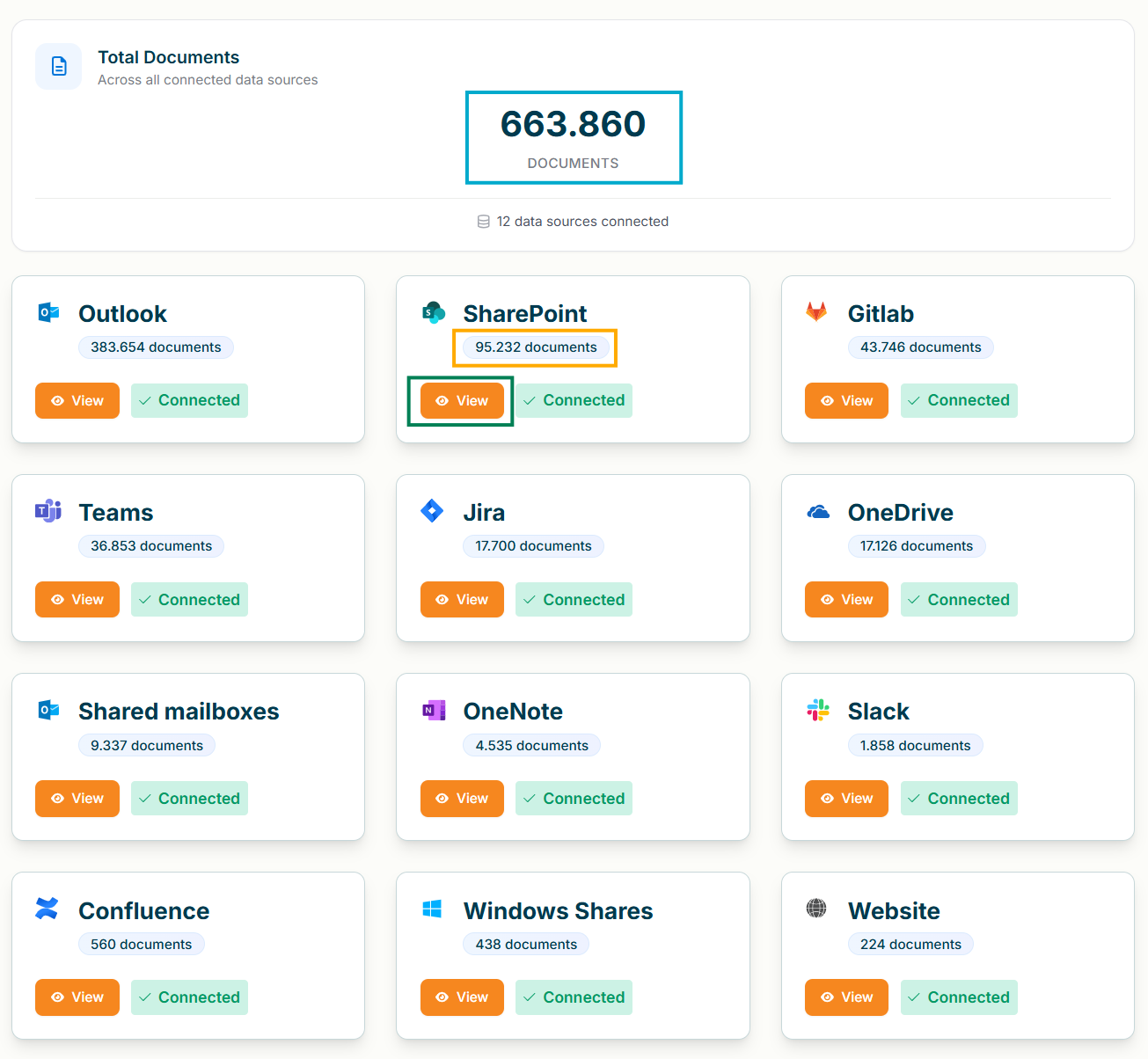
Under “Data Sources” you can get a quick overview of the connection status of your data sources, the total amount of indexed documents and the number of indexed documents per connector. You can also get more detailed information by clicking “View”.
👥User Management
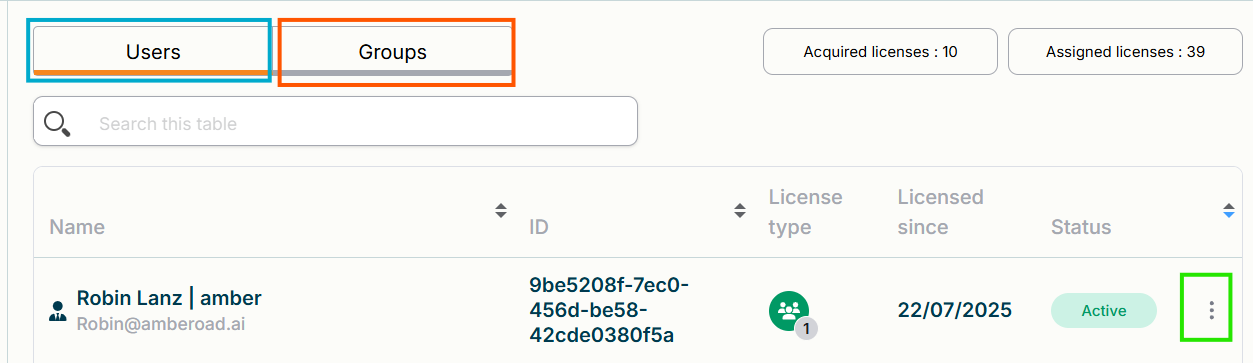
In this menu you can manage your users’ licenses and roles and also manage groups.
To modify a license for either a group or user, click on the 3-dot menu to either:
Revoke a license
modify their role
📊Insights
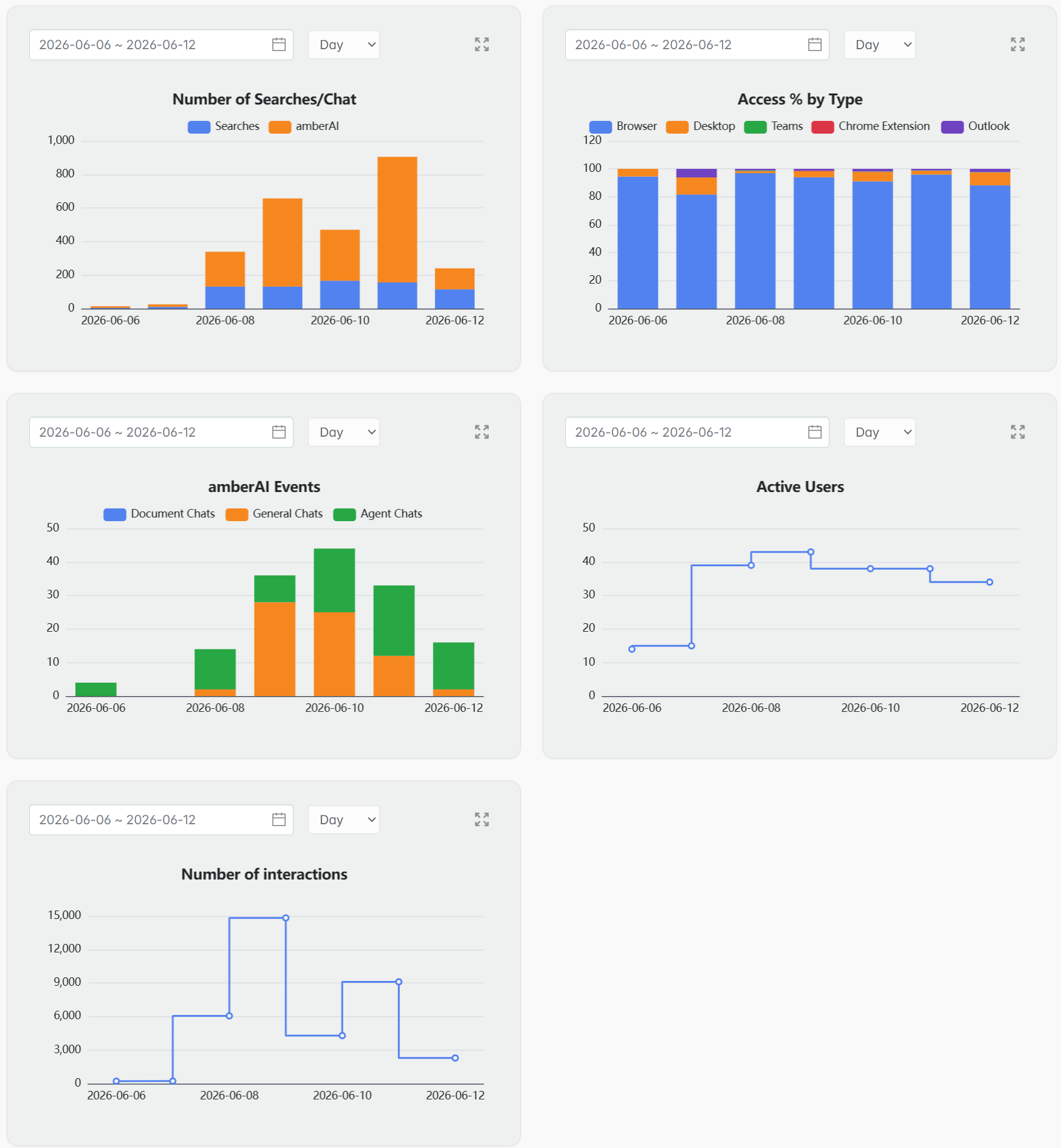
Here you get better insights into usage statistics, active users and what type of actions are performed. Use the “Expand Chart” icon to enlarge or use the date picker to select a different date range.
🎨Design
Until now, you couldn’t customize colors or other design elements in amber yourself. From now on, you can adjust both colors and logos directly in the Admin Dashboard.
🖌️Customize Colors
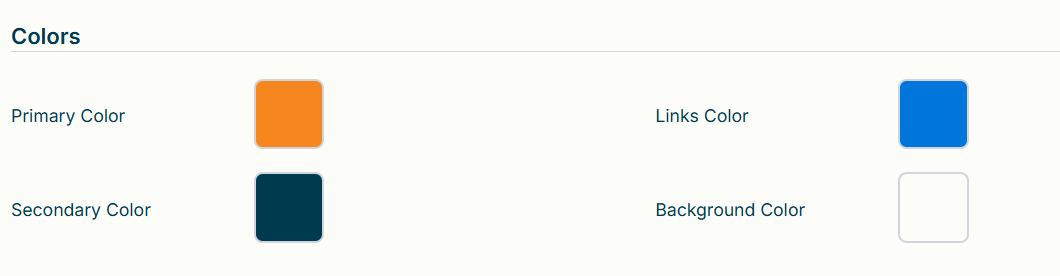
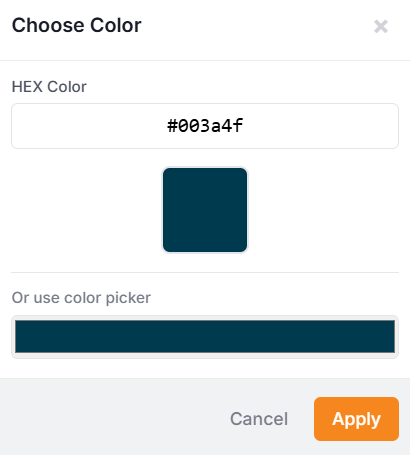
In Themes → Colors, you can tailor the color scheme to your needs.
Simply click on a color box and choose a new shade to style amber the way you like.
🖼️Logos and Icons
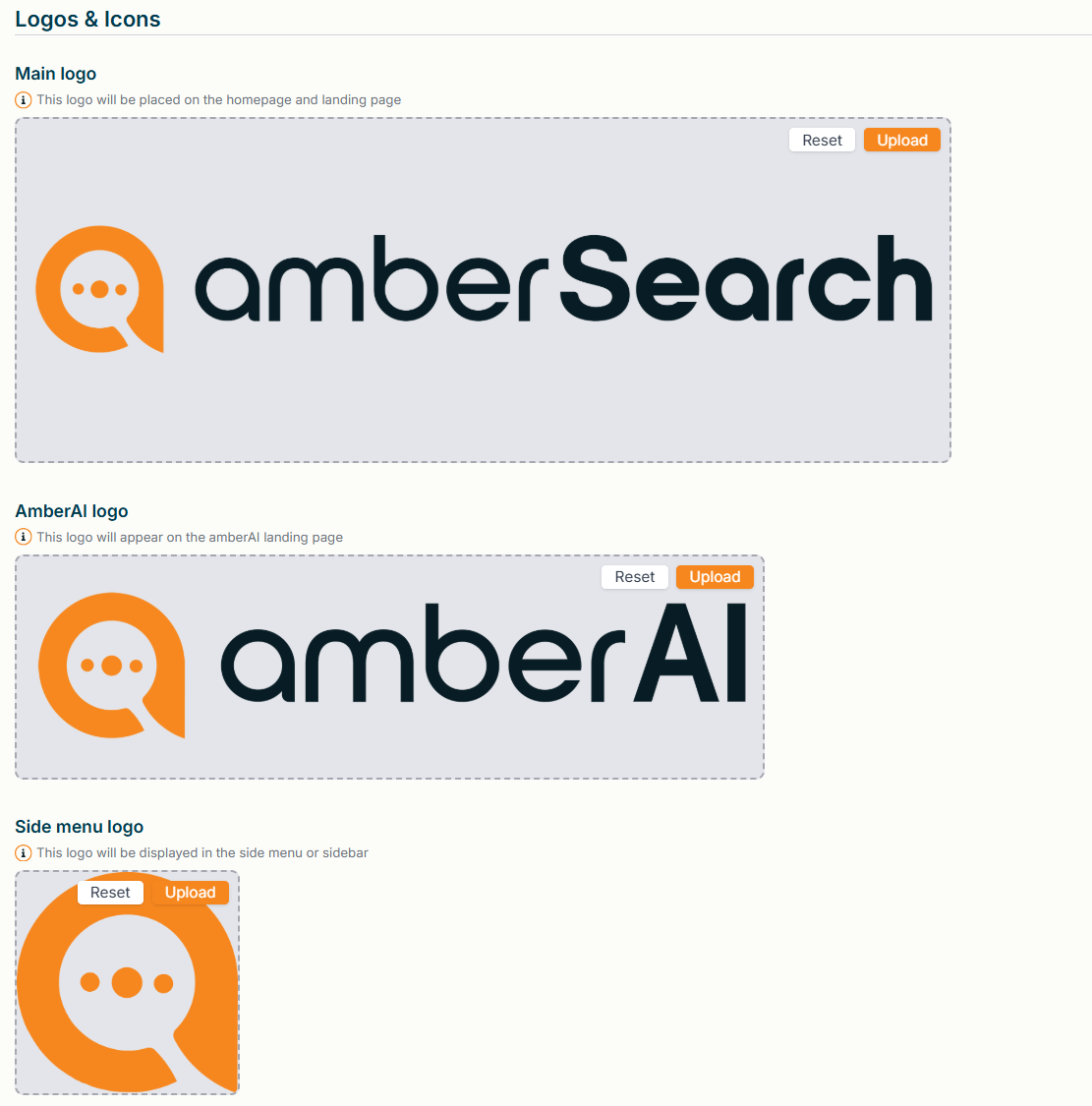
In Themes → Logos & Icons, you can upload your own images – for example, your company logo.
You have full flexibility to customize different logos:
Upload: Select an image file to upload a logo or icon.
Reset: Revert individual logos back to the default.
Reset Theme: At the bottom of the page, you’ll find an option to reset the entire design globally.
👉 👉 This gives you maximum creative freedom and allows you to perfectly align amber with your corporate design.
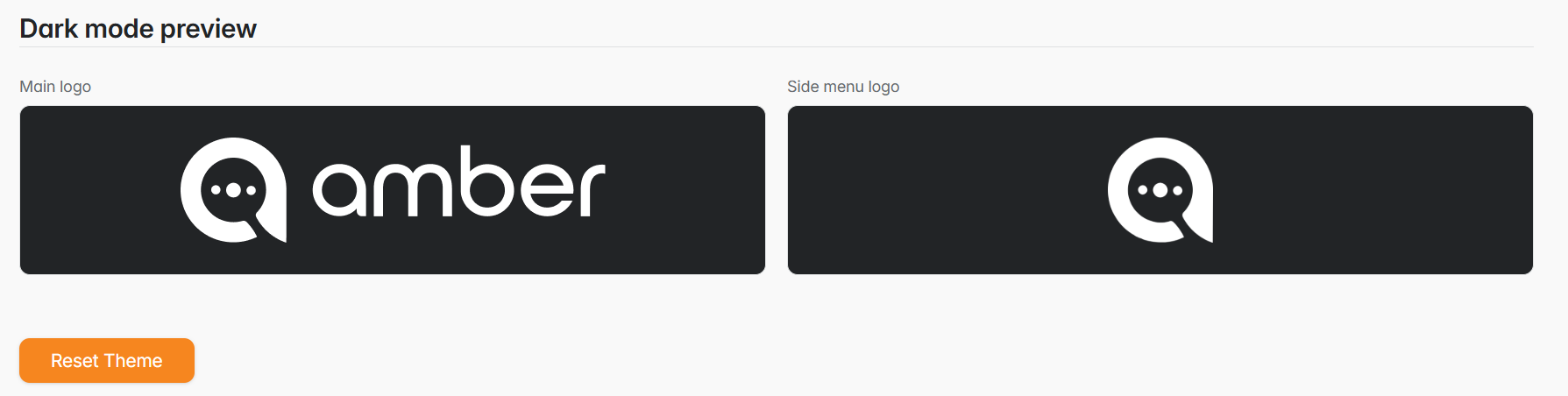
New as well is support for dark mode in amber. We therefore recommend providing your logos and icons as cutouts without a background. This allows us to invert them directly.
✨AI Settings
We are introducing a completely new section that allows you even more fine-grained control over amber’s functionalities. Please note that any changes you make here are applied to everyone in your organization.
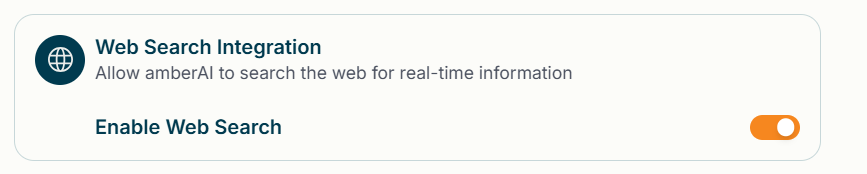
🔍Web Search Integration Toggle
In the AI Settings, you can now toggle the Web Search Integration on and off. Web Search is active when the toggle is orange.
⚡ Memories Toggle
In the AI settings, you can now easily turn memories on and off. Memories are active when the toggle lights up orange.

🔈 Speech Features Toggle
In the AI settings, you can now easily turn the voice features on and off. The voice features are active when the toggle lights up orange.

👁️🗨️Select Language Model
Here you can choose which LLMs will be available for your users.
Choose here the default language model - this will be used for all interactions.
You can also select multiple optional language models that will be available to your users as part of the LLM Selector.
Please note: Since we continuously update our language models, this view does not reflect the current status and is provided for illustrative purposes only.
